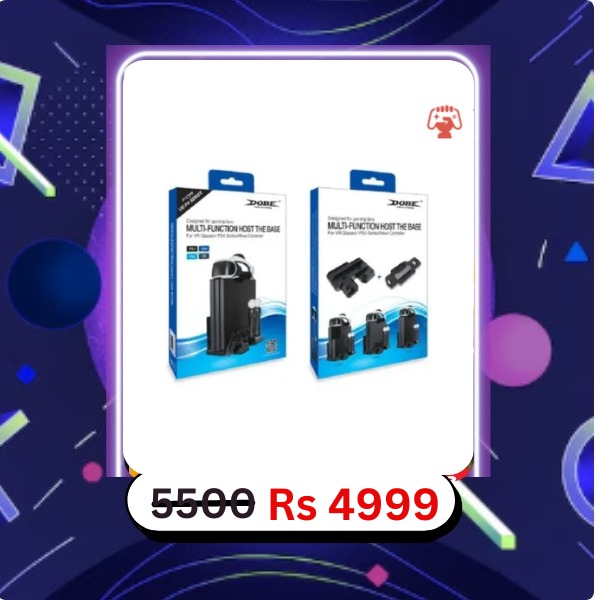
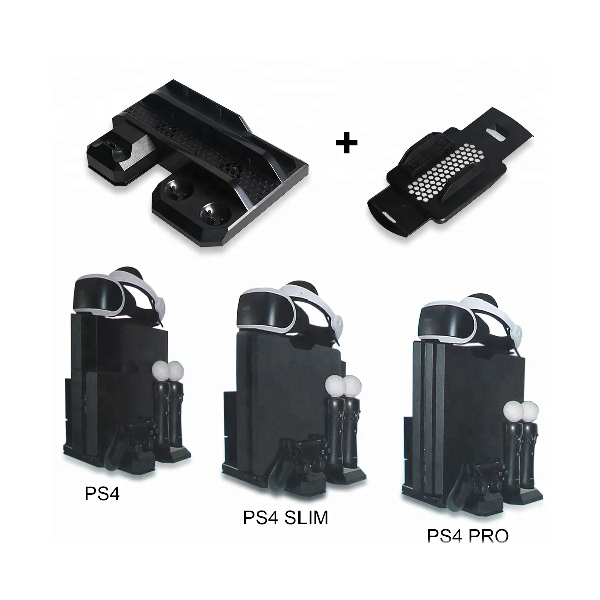
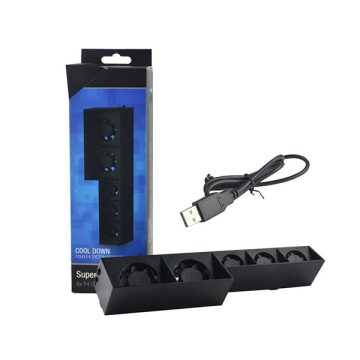
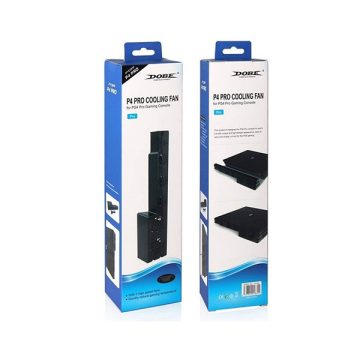
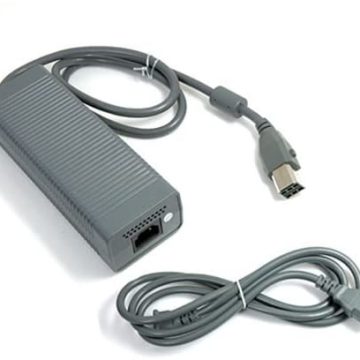
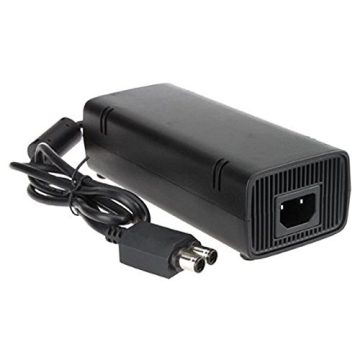
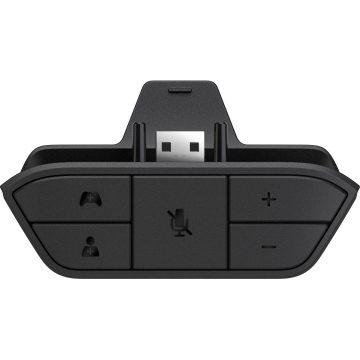
Same-Day Delivery: Orders placed before 6:00 PM within Lahore are delivered the same day. Dedicated Customer Service: Our support team is available from 11:00 AM to 11:00 PM to assist you. High-Value Orders: For orders exceeding 25,000 PKR, please contact us at 0333-7099990 prior to dispatch for confirmation and assistance.
Important Note: The customer must pay the shipping charges in advance before the product is shipped. The product price will be collected via Cash on Delivery (COD).
شپنگ چارجز کسٹمر کو *پہلے سے ادا کرنا ہوں گے (شپمنٹ سے قبل)۔ پروڈکٹ کی قیمت کی ادائیگی نقد رقم بذریعہ ڈیلیوری کے ذریعے کی جائے گی
1. Voltage: USB3.0 5V/1.5A (connected to the console via USB cable)
2. Current: Maximum charging current is up to 800mA in the case of charging a single original PS4 controller;the maximum charging
current is 420MA for the two original PS Move controllers being charged at the same time (fans are off)
3. Charging time: The original PS4 controller can be fully charged about 2.5 to 3 hours, while the original PS Move controller is
about 3.5 to 4 hours
4. Maximum fan speed: 5000±10% RPM; Maximum air volume: 12.6 CFM
5. Material: ABS.
How to Use
1. Put this product horizontally, with the Micro USB side upward, and place the PS4 console vertically on the fan stand (If the
PS4 Slim console needs to be fixed with accessory screws, invert the PS4 console for installation, and then screw it tight with
the accessory nuts).
2. The toggle switch in the front is used to control the built-in fan: “OFF” means turning off the cooling fan; “L” means low
speed, and H means high speed.
3. Use the slot on the left to store the PS VR converter and relevant cable.
4. Use the single charger on the right of the stand for charging the PS controller.